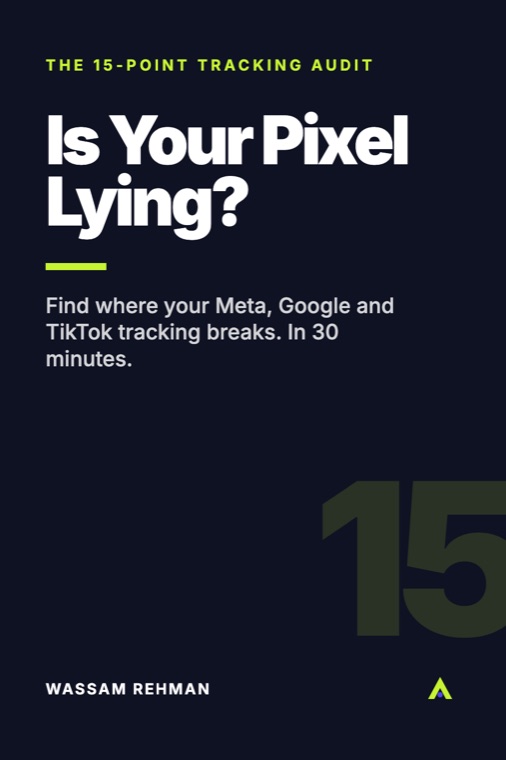
Free 15-point audit

Is your pixel lying to you?

Ads Manager says 40 purchases. Shopify says 61. Or the other way round. This checklist finds where your Meta, Google and TikTok tracking breaks, in about 30 minutes.

  • 15 checks across Meta, GA4, Google Ads and TikTok
  • Where to look and what "good" looks like for each one
  • Shopify and WooCommerce paths, side by side
  • Free. No card, no sales call.
  • Short. Use it the same day.
  • No spam. A few useful emails, unsubscribe in one click. Privacy

Written by Wassam Rehman, a working media buyer.
$66Kad spend$485KMeta-reported revenue7.35xreturn

One client account, ten campaigns. A past result, not a promise. See the screenshot

Peek inside

Real excerpts from the PDF

No fluff pages. Here's what the actual content looks like.

Check 1

One Meta pixel, firing once per event

Look at: whether the pixel loads more than once. This is the most common cause of inflated Meta purchases.

Good: one pixel ID, and each event fires once per action.

Check 4

Browser and server events share an event_id

Meta keeps one copy of a purchase only when the browser and server versions share the same event_name and event_id.

A classic break: a theme snippet sends a random ID while an app sends the order number.

Check 5

Customer data parameters are sent

emEmail, normalised then SHA-256 hashed
fbpBrowser ID from the _fbp cookie
fbcClick ID from _fbc or fbclid

Double-hashing is a quiet killer.

Check 15

Platform purchases roughly match real orders

Higher than store: duplicate pixels or broken dedup.

Much lower than store: no server-side tracking, consent blocking tags, or payments that never return to the thank-you page.

What's inside

Everything in the 10-page PDF

  • Check Pixel + Conversions API deduplication the right way
  • Find duplicate pixels from your theme and apps
  • Raise Event Match Quality with the right customer data
  • Confirm GA4 and Google Ads enhanced conversions fire once per order
  • Reconcile platform purchases against real store orders
  • Score yourself out of 15 and know what to fix first

Made for

  • Shopify and WooCommerce owners running Meta, Google or TikTok ads
  • Freelancers and agencies who manage ads for stores
  • Anyone whose ad platforms and store orders disagree

Not for

  • Stores not running paid ads yet
  • Anyone who can't get admin access to their store and ad accounts
  • People who want someone else to do the fixes (this is a checklist)
Who made this

Wassam Rehman

Wassam is a working performance marketer. He runs Meta, Google (including Performance Max) and TikTok ads, and builds Shopify and WooCommerce stores for clients. Ad Buyer Lab is where he writes down the checklists and templates he uses in that work.

See his work at wassamrehman.com
Free guides

Read first, if you like

Questions

Short answers

Is it really free?

Yes. It's a free PDF sent to your inbox. You'll also get the occasional practical email from Wassam, and you can unsubscribe any time.

Do I need to be technical?

You need admin access and patience to click through settings. Each check says where to look, what good looks like and the usual fix. A few fixes, like server-side GTM, may need a developer.

Does it cover WooCommerce?

Yes. Where Shopify and WooCommerce differ, the checks give both paths.

Will this improve my results?

It can't promise that. It finds where tracking breaks so the numbers you make decisions on are closer to your real orders.

Free 15-point audit

Find where your tracking breaks

Free PDF, straight to your inbox.

  • Free. No card, no sales call.
  • Short. Use it the same day.
  • No spam. A few useful emails, unsubscribe in one click. Privacy